
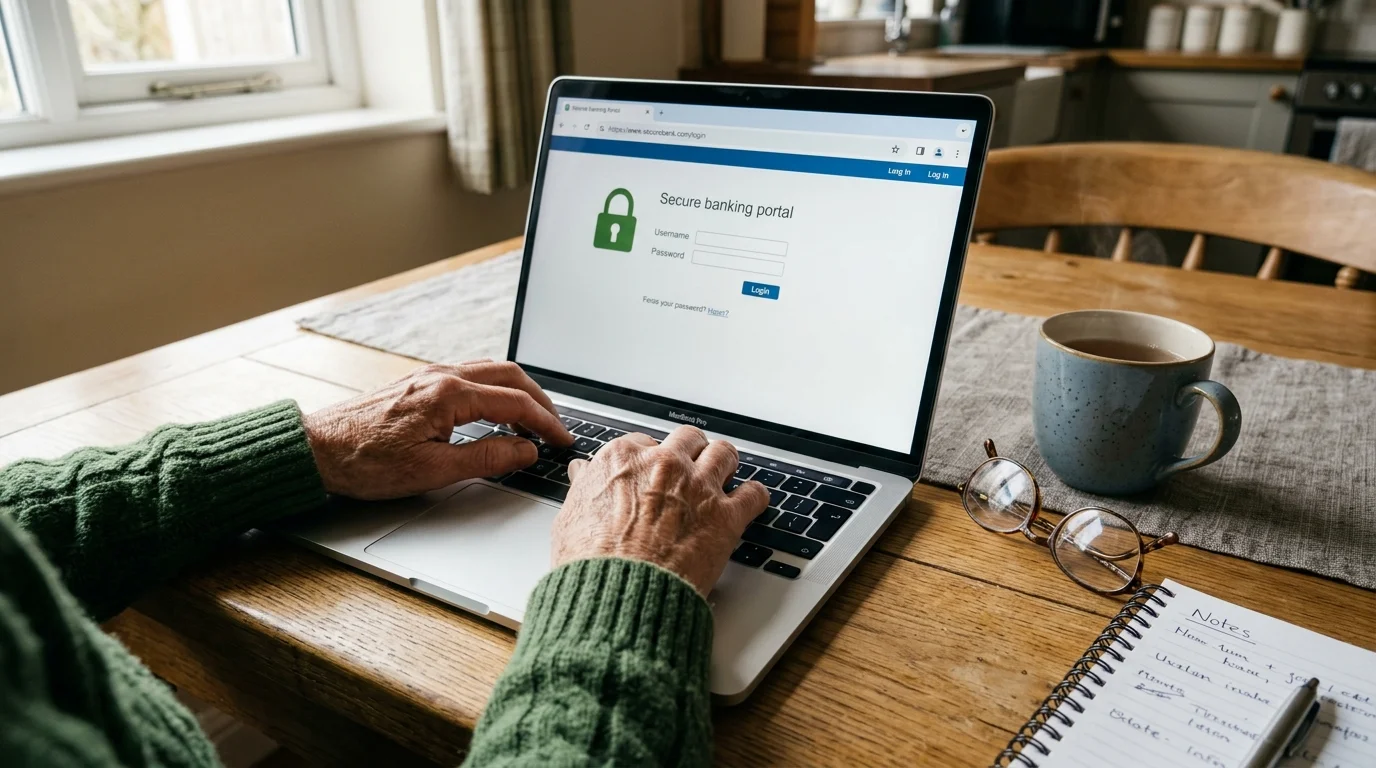
How to Update Your Direct Deposit Details Safely
Because phone requests are no longer allowed, you must use authorized digital or in-person channels to manage your account details. Following these practical steps guarantees smooth social security banking changes without risking payment delays:
- Gather correct account information: Obtain your financial institution’s exact 9-digit routing number and your personal checking or savings account number. Verify these details using a printed check or your bank’s mobile app.
- Log into your secure online portal: Access your personal account at SSA.gov. The portal requires identity verification through Login.gov or ID.me, using multi-factor authentication (such as a text code or authenticator app) to secure your data.
- Submit the updated banking information: Navigate to the “Payment Information” section, enter your new routing and account details, review the entries carefully for typos, and submit the change.
- Alternative Option — Request Bank Assistance (ENR): Visit your bank or credit union branch and ask them to submit an Automated Enrollment request directly to the Social Security Administration.
- Alternative Option — Visit a Local Field Office: If you prefer not to use online services, schedule an appointment at your local Social Security office. Bring government-issued photo identification along with a voided check or official bank statement showing your name and account details.








question : for a 69 yr old employee preparing to retire in Jan.2027 how long will it take to
receive social security payments and how to request them